
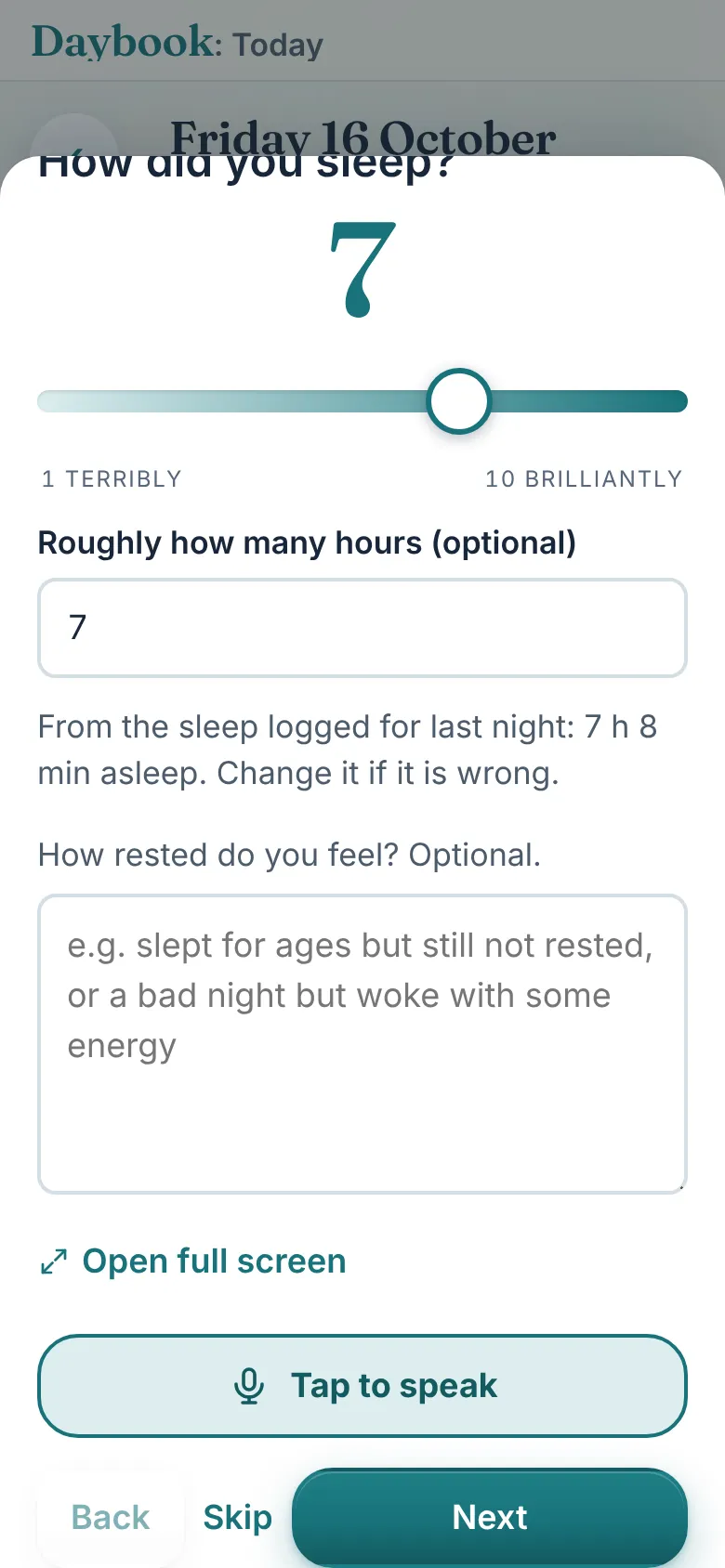
Two check-ins a day
A minute each, morning and evening: sleep, symptoms, pain and mood, one question a screen. Say it instead of typing it with Tap to speak.

Works on iPhone, iPad, Mac and Android. Coming to the App Store and Google Play.
Scroll down to see everything Daybook doesScroll down for more
Why Daybook exists
When I was told I had stage 4 pancreatic cancer, already in my liver and my spine, everything became a blur. Tablets at different times. Temperatures. Side effects. What I'd managed to eat. And the questions, always in the middle of the night.
Some went on scraps of paper. Most went nowhere. I'd sit down in front of the oncologist with ten minutes and not know where to start.
Mark Brown, who made Daybook

How it started
Shelley kept the list. I built a simple tracker so neither of us had to remember. Medicines and when they were taken. Temperature, blood pressure, weight. What I ate and drank. How the day felt, morning and evening. And every question, the moment it came to us.
It grew into Daybook: one place, shared between the two of us, so nothing depended on either of us remembering. Then friends with Crohn's asked for it, and it grew again.
Between appointments
A minute in the morning, a minute at night, a few taps through the day. By the next appointment, the whole story is there.
A minute each, morning and evening: sleep, symptoms, pain and mood, one question a screen. Say it instead of typing it with Tap to speak.
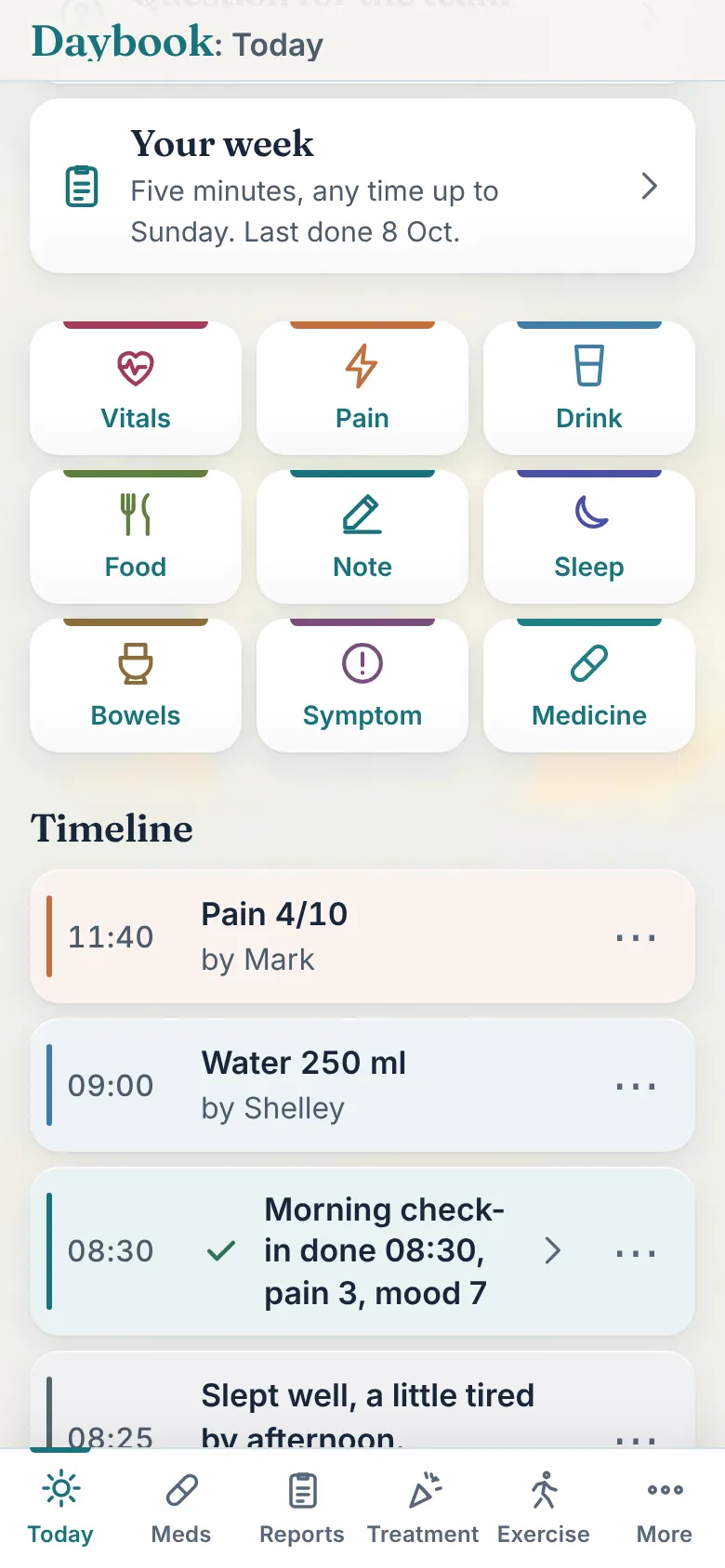
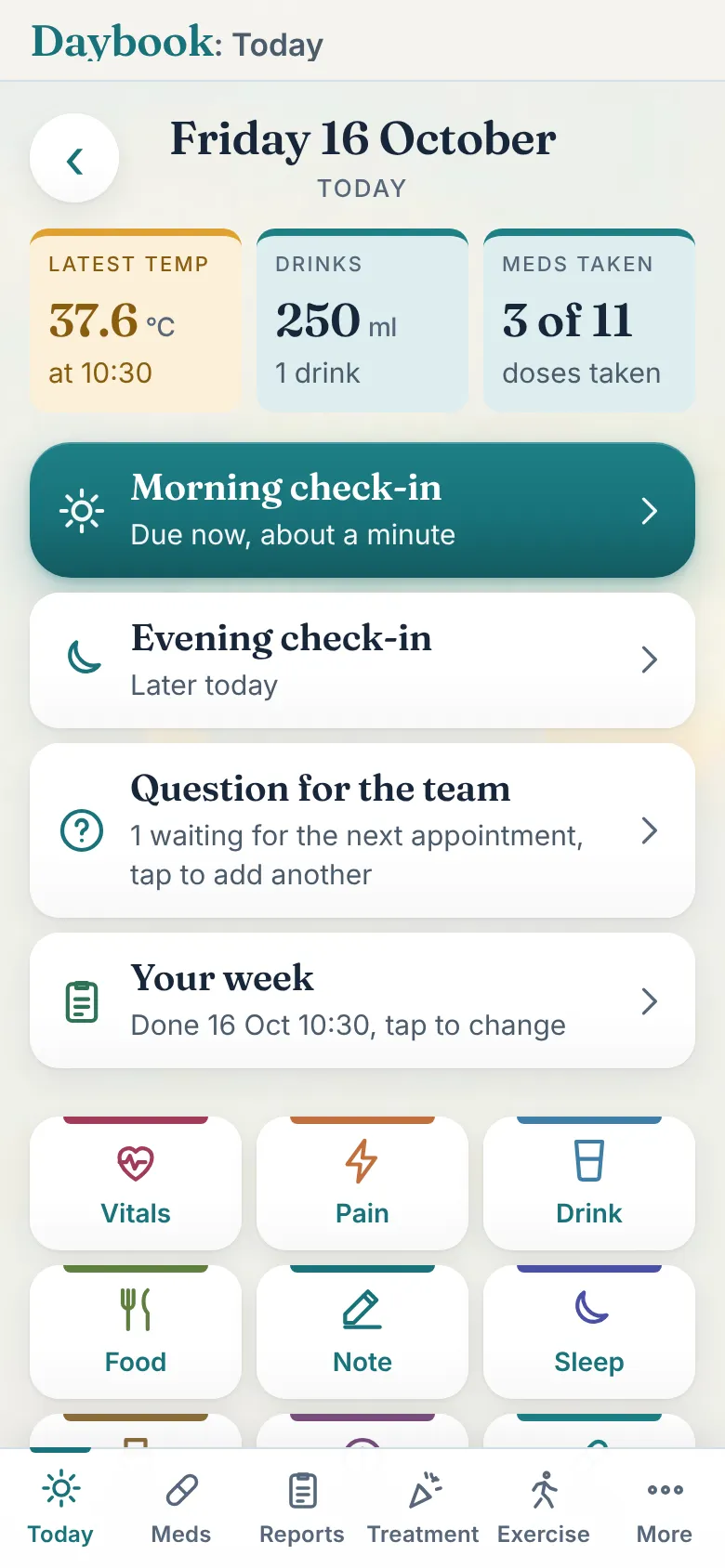
Vitals, pain, a drink, a meal, a note, sleep, bowels, a symptom, a dose: nine tiles on Today, each a few taps, with the time filled in for you.
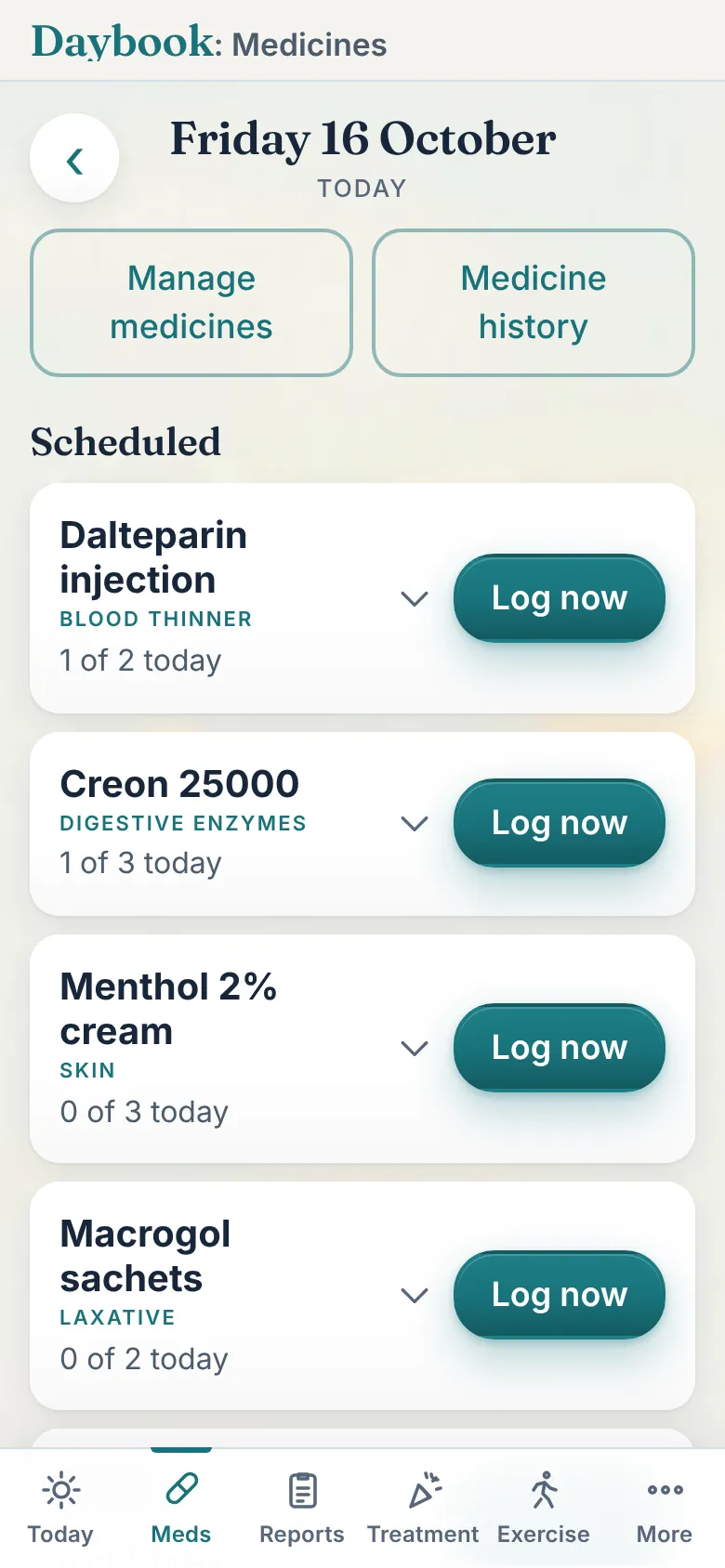
Every medicine with its dose and how many are done today. Log now is one tap. Reminders arrive as notifications at the times you set, with the names kept off the lock screen if you like.
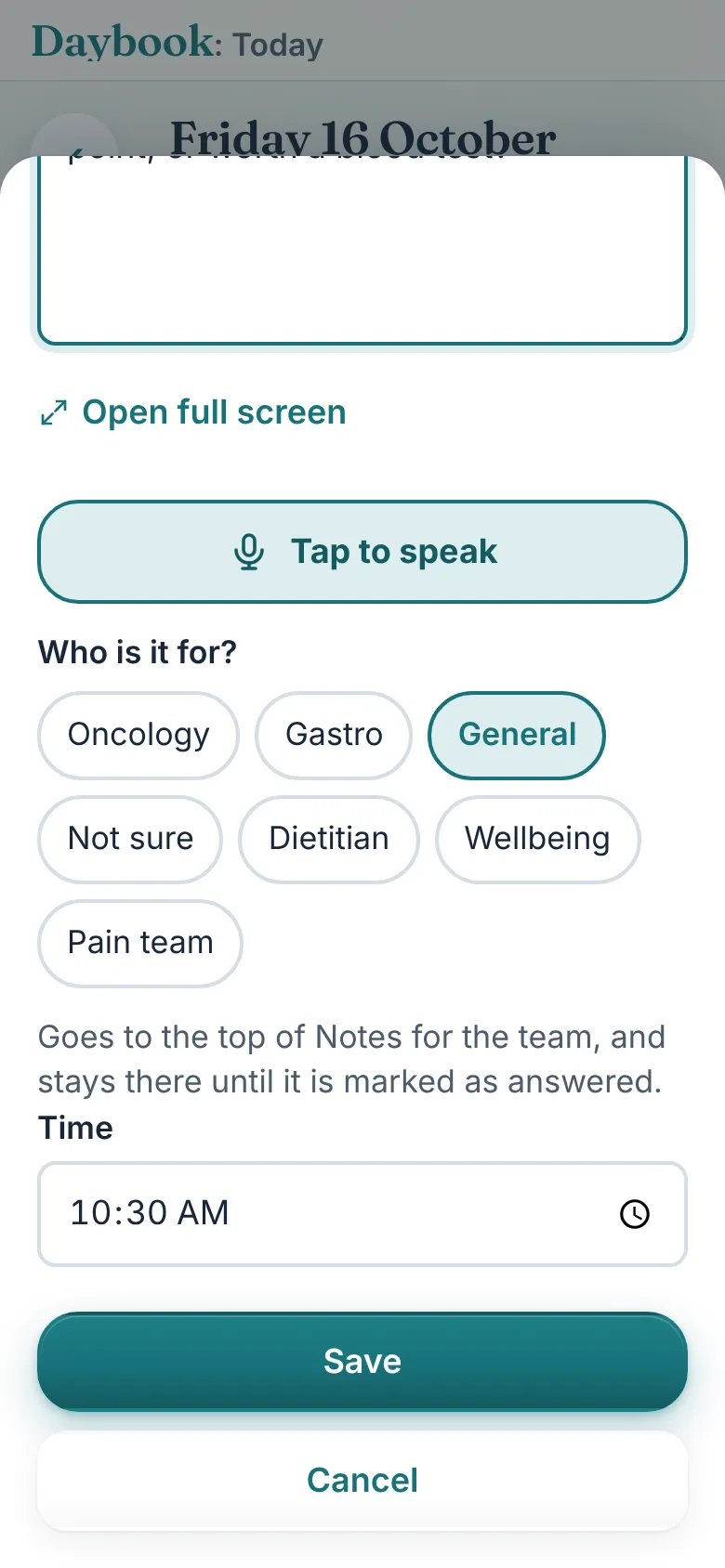
Write it when it comes to you, say who it is for, and it heads that team's report with room under it for the answer. Record the answer in clinic so nobody has to take notes.
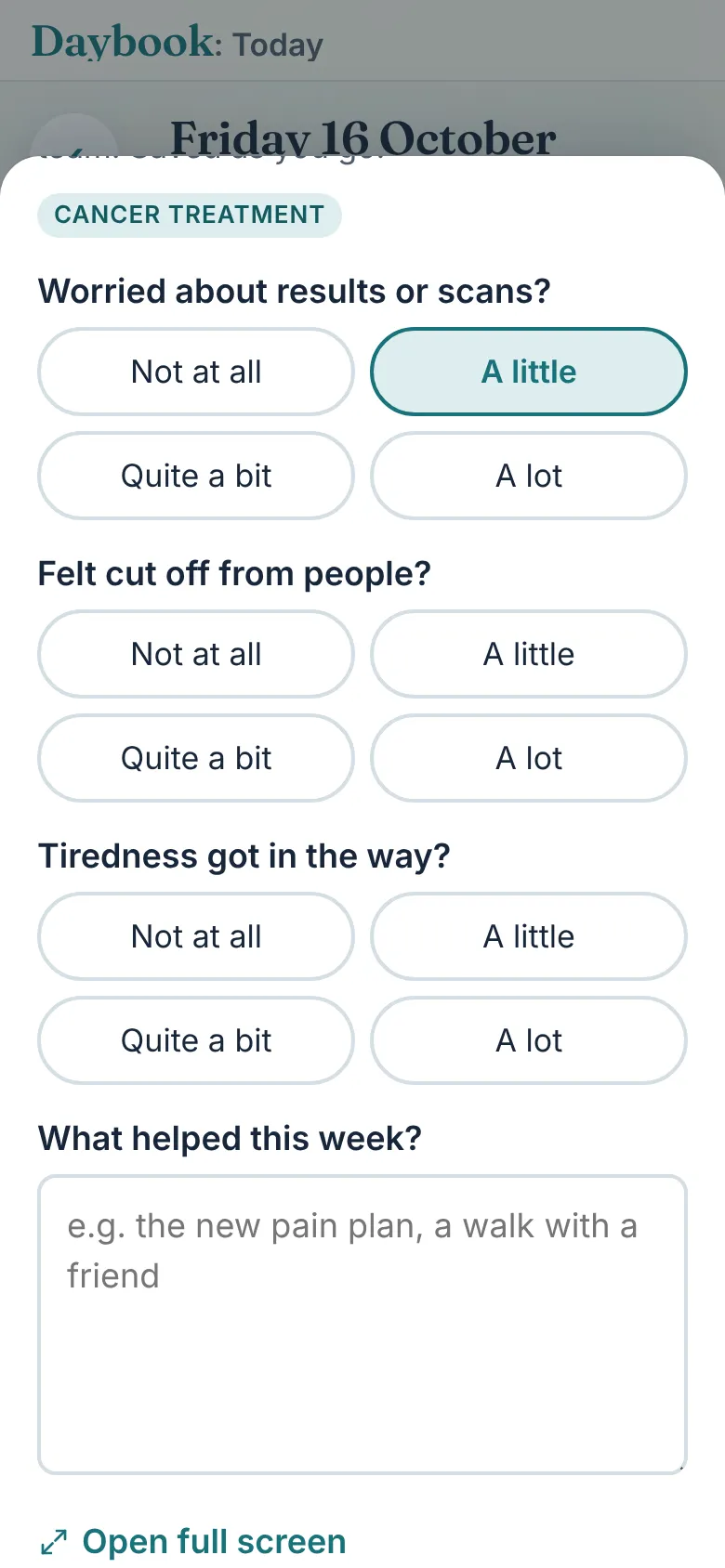
Five minutes once a week, ending on the day you choose, your treatment day if you like: what helped, what was hardest, the week in a sentence. The mood and wellbeing report is built from it.
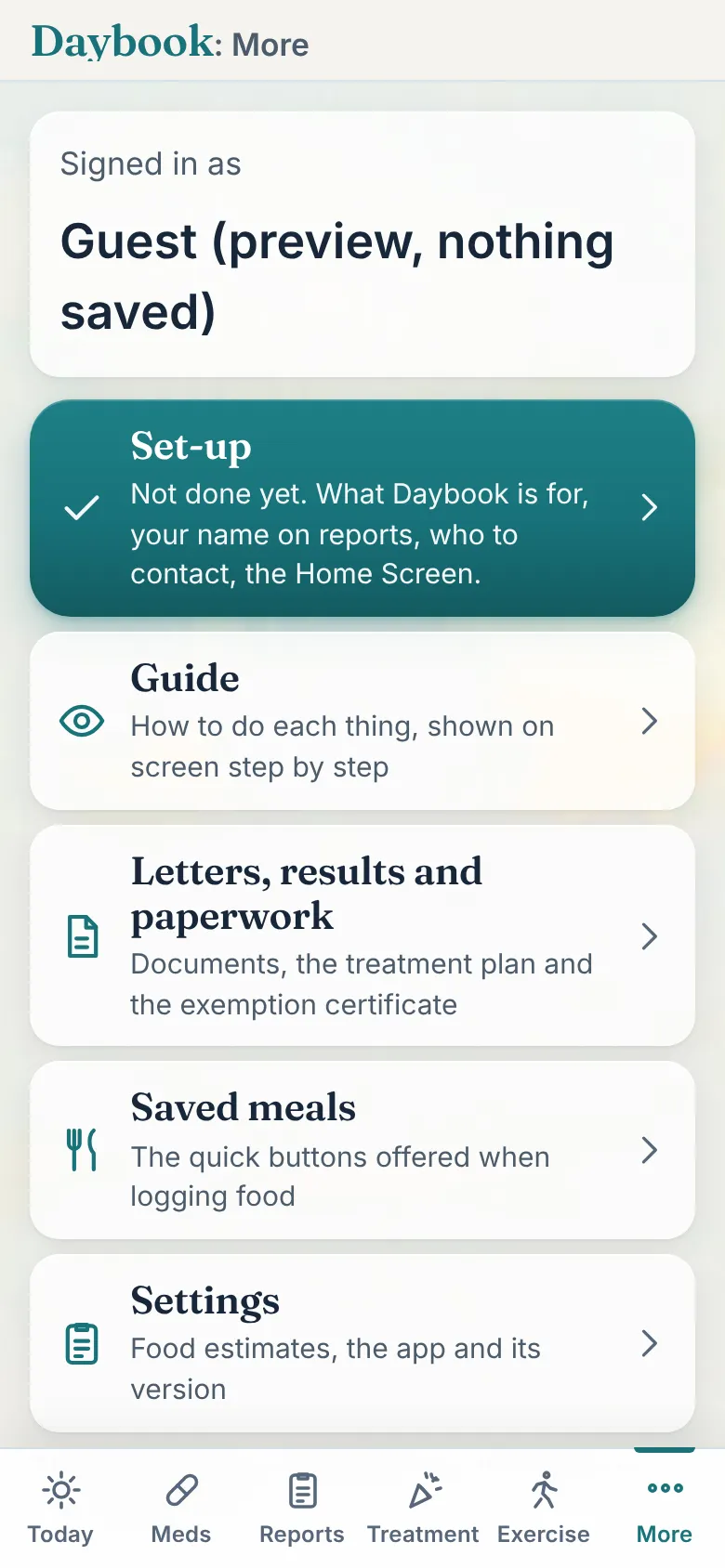
The ward, the nurse, the GP, the advice line: a name, a number, an email. Call or email in one tap, and send any report to any of them from the app.
Every box has a Tap to speak button under it. Tap, say it, tap again. The words appear and can be changed like typed text. Keyboards are hard on a bad day.
Photograph a clinic letter, a label or a plan and Daybook Assistant explains it in plain English, only when you ask, with the questions worth taking back to the team.
Steps, sleep, workouts, weight and your food app's totals can arrive by themselves. Everything can be typed in instead, so Daybook works in full without it.
Bowels with blood and urgency, a flare plan in the team's own words, "I think I'm flaring" with a 7-day summary to read out, results as the lab gave them, injections and steroid courses on the calendar.
Cycles as the team counts them, sessions marked done, side effects asked in the check-ins for three days after each one, and the alert card's limits on every temperature.
Invite the people who help. They see what you see, from their own phone. A carer adds their own view of the day and the week, kept apart from yours, never mixed in.
See it work
These are the app's own screens, with made-up data, played as they happen. Start with the whole story: a day's logging, a question, then the report made and sent.
Step 1
Loading the walk-through.
The reports
Before an appointment, Daybook gathers everything since the last one into a few pages the team can read in a minute, with room for them to write. Print them, or send them to the nurse, the dietitian or the consultant from the app.


The people around you
Invite the people who help: a partner, a daughter, a friend who drives you to chemo. They see the same record and the same report, from their own phone. The ones who want to know can keep up without you having to repeat it, and the ones you'd rather talk to about anything else can.
The circle is yours. Only you, or whoever set it up for you, can invite or remove anyone, and nobody outside it, Mark included, ever looks.
"I can keep track of what's happening with Mark without us having the same cancer conversation every time, so when we're together we can talk about other things. But there's always enough in the app that I can see when they might need extra help, and I can just ask Shelley what I need to do."
Hayley, Mark and Shelley's friend
"This is brilliant. It's simple to navigate, the charts are clear, and if I don't understand something I can just ask."
Keith, Mark's oldest friend
Try it
Each demo is a made-up person with a month of records. Tap around, log things, open the reports. When you leave, it is gone.
Sam, part way through chemo: the check-ins, the treatment calendar with its cycles, side effects after each session, the medicines, and Notes for the team.
Open the cancer demo DemoJo, through a flare: bowels with blood and urgency, the flare plan and the advice line, results as the lab gave them, injections on the calendar, and the Crohn's and colitis report.
Open the Crohn's demoBeing built with the people who asked for it: mood swings and irritability, brain fog, sleep broken by sweats, and the questions for the GP, on the same weekly check.
Menopause is coming laterThe demos open the app itself in your browser. Tap Leave demo at the top to come back here.
By invitation
Daybook is free throughout the Beta, and Beta circles keep the full app free for a year after it reaches the App Store, with everything they have logged.
The Beta is by invitation. Whoever told you about Daybook, a nurse, a clinic or a friend, gives you a short code. Type it here and the next steps appear. It works in full today; a few things may still change, and Mark reads every message himself.
No code, or lost it? Email support@mymedicaldaybook.co.uk and say who told you about Daybook. Already in someone's circle? Ask them for an invite link instead; it needs no code.
Your code is good.
Create your account in DaybookEach circle's records are seen only by its own members, enforced by the database itself. Nobody else, and nothing sold to anyone.
Your records are stored in London, over a secure connection. Mark 1 Apps Ltd is registered with the ICO.
A report goes to the team only when you send it. The AI helper reads a letter only when you ask it to, and keeps nothing.
Daybook keeps the record and does the sums. Your team makes the decisions. In an emergency, call 999 or 111.
Read the privacy policy, written in plain English.
Set it up in a few minutes on an iPhone, iPad, Mac or Android phone, and invite your circle when you're ready.
Questions first? Email support@mymedicaldaybook.co.uk and Mark will answer himself.
